
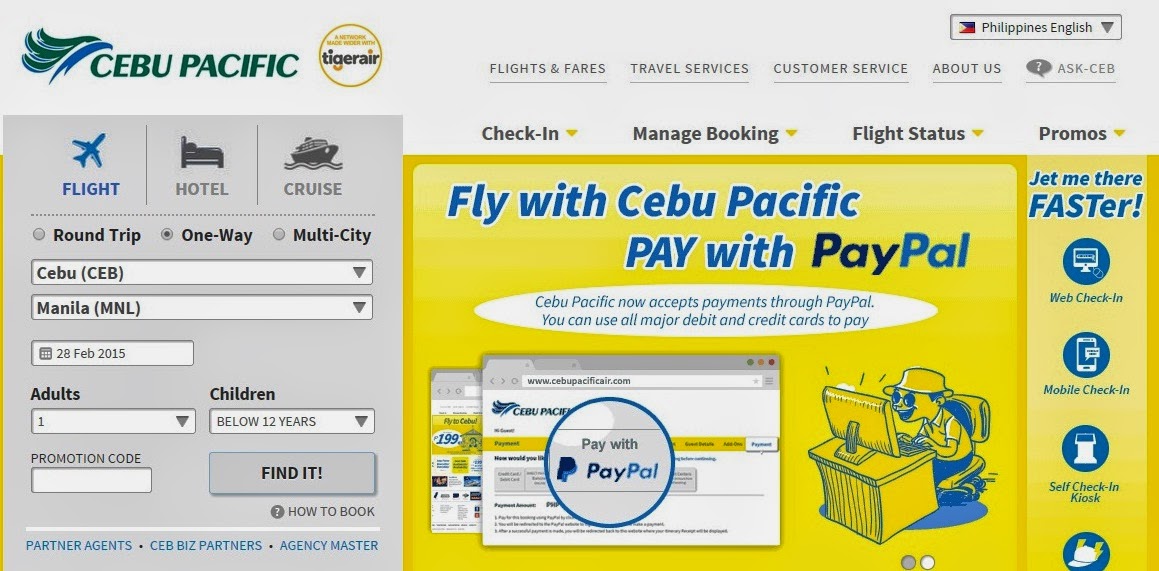
 Tip: Use the incognito option on your browser to ensure that all information will not be saved. Also, this will be a good practice if you just opt to view the latest flight fares. The site remembers visitors using your cookies and cache. Tendency is that, if you visit the site more often, you already have a trail of logs on the site this will trigger the prices to get higher each time you visit the site.
2. Select your flight.
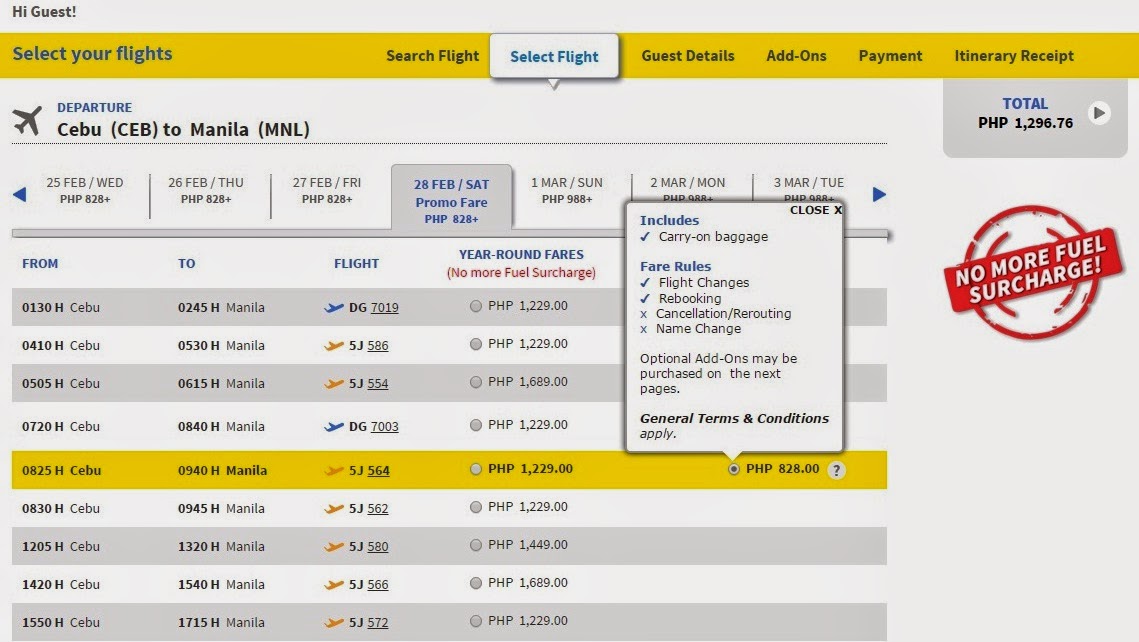 Tip: Early flights are the most cost effective. It also will give you enough time for possible traffic on the way and in cases when flights are cancelled, there are more options for the next flight to your destination.
 |
| Input details as a Guest (Non-member of the site) |
 |
||||||||
| Login to your account and hit on I’m traveling and this will populate all fields. |

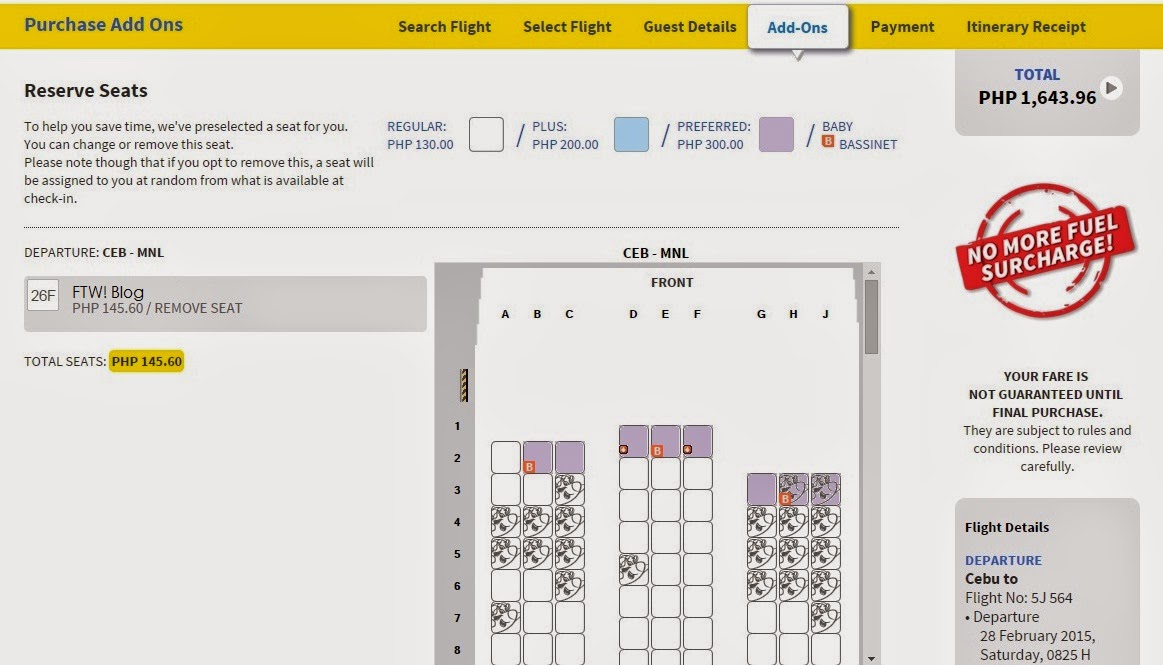 How to remove? Click on the pre-selected seat (this is the one in blue) and double click to remove it.
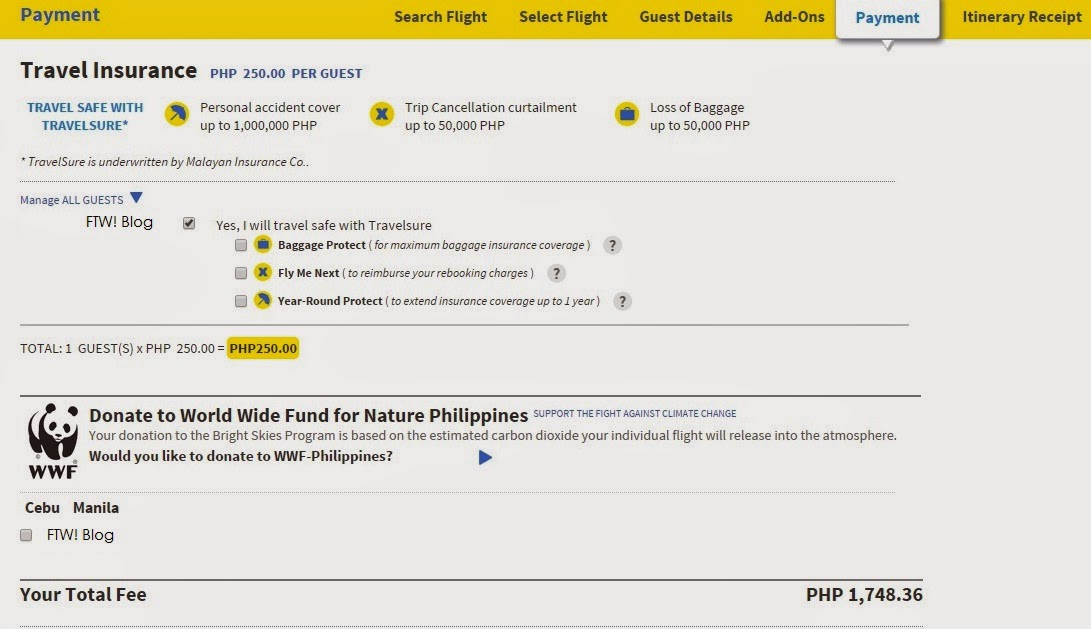
To remove: Click on the Manage All Guests and you will see that the small box has been pre-checked. To remove, just uncheck the box.
 |
| With Travel Insurance |
 |
|
| Without Travel Insurance |
Step 7. Click on the Terms and Conditions below. We never read it anyway, but if you are one of those who have enough time to read everything, you can go ahead. Click on Continue to be directed to the Payment Page.
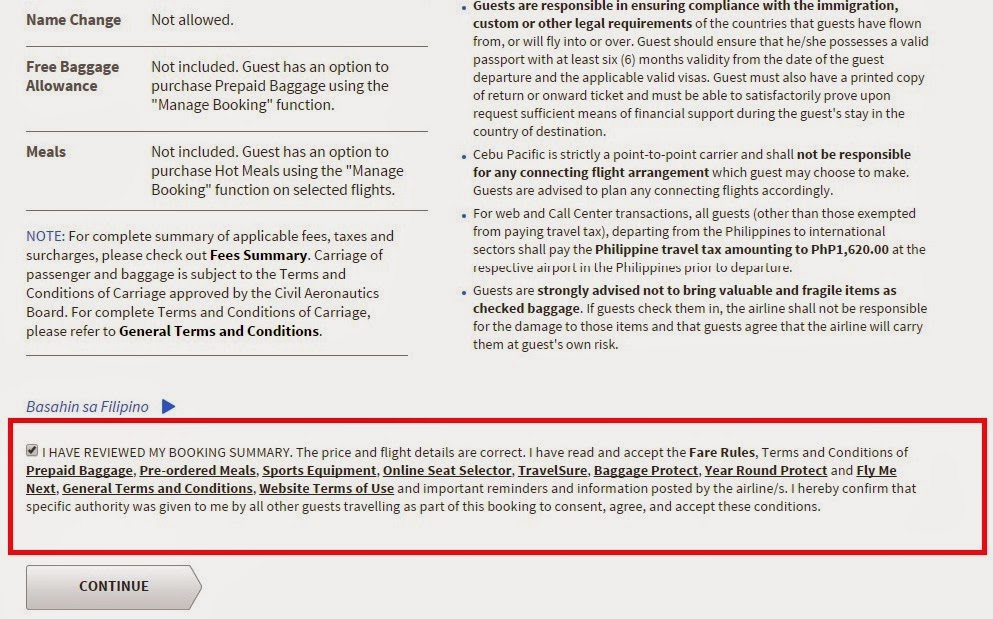
Step 8. Select which Payment Method is most convenient for you. On my previous post, they only had 3 options for payment – Credit Card/Debit Card, Bancnet and Payment Centers
It’s great that they have 7 Payment Options, to cover everyone’s needs. No Credit Card? No worries, they have direct payment using Bancnet Online or if you have Paypal. Even without these, there is still the tried and tested Payment Centers.
 |
| Credit Card Payment, they also accept Debit Cards. |
 |
|||
| E-voucher, I have no idea what this is though. I reckon this is like a GC.
These are the most popular mode of payment based on friends and colleagues. Please note that if you select to pay via LBC or any bank branch listed, there is a certain cut-off for Cebu Pacific booking. These vary from one bank to another.
Based on experience, LBC’s cut-off is at 3PM. So secure to pay your tickets before the time. For banks, these are usually processed within banking hours.
Payment Center – Pay before 11:59PM of the same date you secured your booking. Beyond the said time, your booking is considered cancelled.
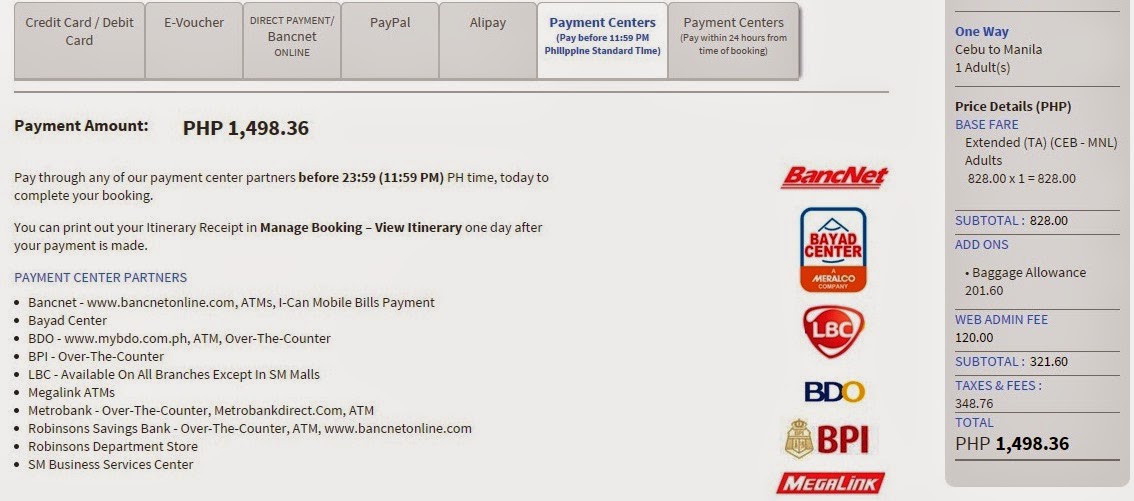
Payment Center – Pay within 24 hours from time of booking.

Step 8. Payment using Paypal, click on Continue to be directed to the Paypal Login page.
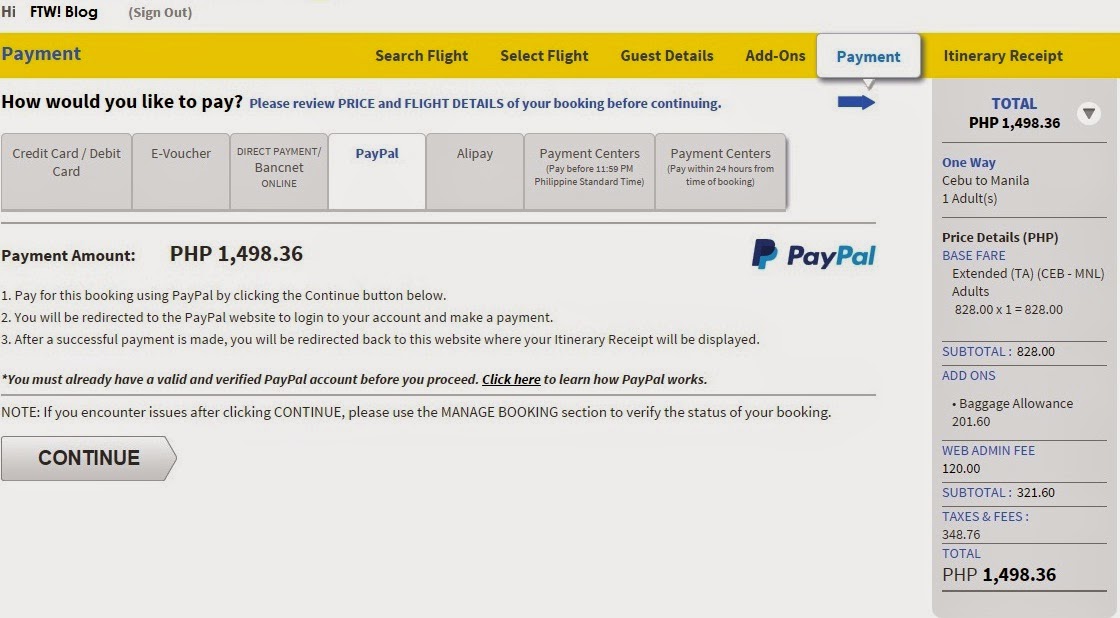 
Once you have logged in, you can then pay for your ticket from here on out. Please note that if you have a current Paypal balance, this will be used up like what you can see on the screenshot below. The remaining balance will then be deducted from your card connected to your Paypal account.
 Review the details and once cleared, you can go ahead and hit on Pay Now. Review the details and once cleared, you can go ahead and hit on Pay Now. |
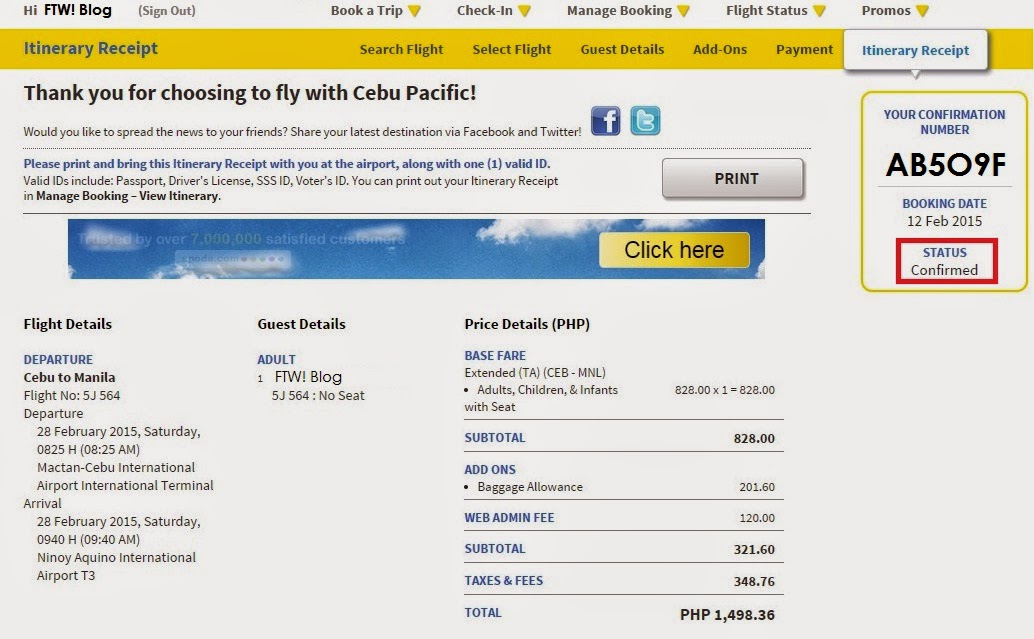
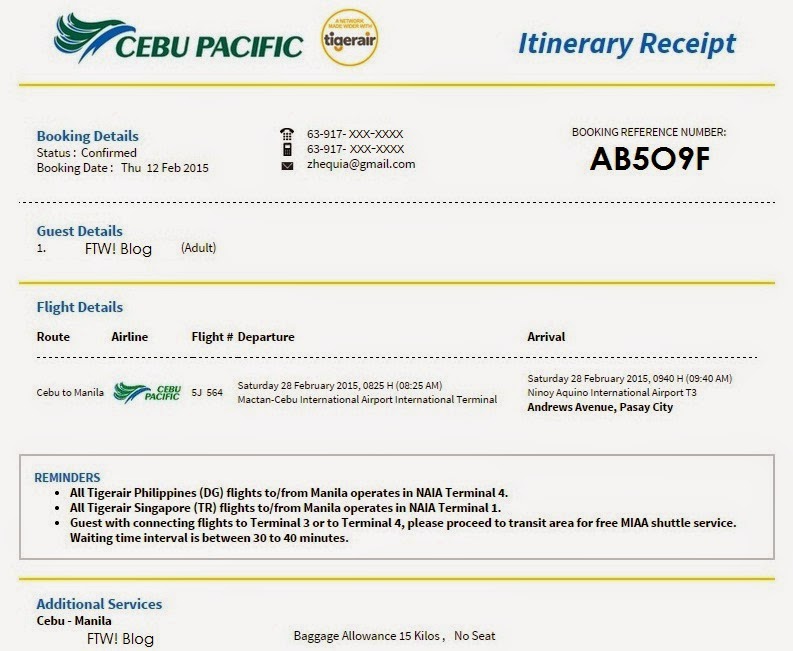
Step. 9. Booking Confirmation. Once processed, you will then receive your Itinerary Receipt with the complete flight details as well as your Status – Confirmed. At this point, you can print out the itinerary.
 Food, Travel & Whatevs